Basics (bleed & shift)
The foundation of the effect: the bleed and color-shift parameters.
Bleed
| Parameter | Description |
|---|---|
| Bleed Amount | Bleed radius (px). The overall spread. |
| Bleed Aspect | Bleed aspect ratio. Negative spreads horizontally, positive vertically. The glow follows too |
| Chromatic Spread | Difference in bleed radius per channel. Higher tightens R and spreads B more, separating the colors |
| Bleed Intensity | Brightness of the bleed |
| Bleed Blend | Blend mode of the bleed. Behind = behind the source / Screen · Add = adds like light |
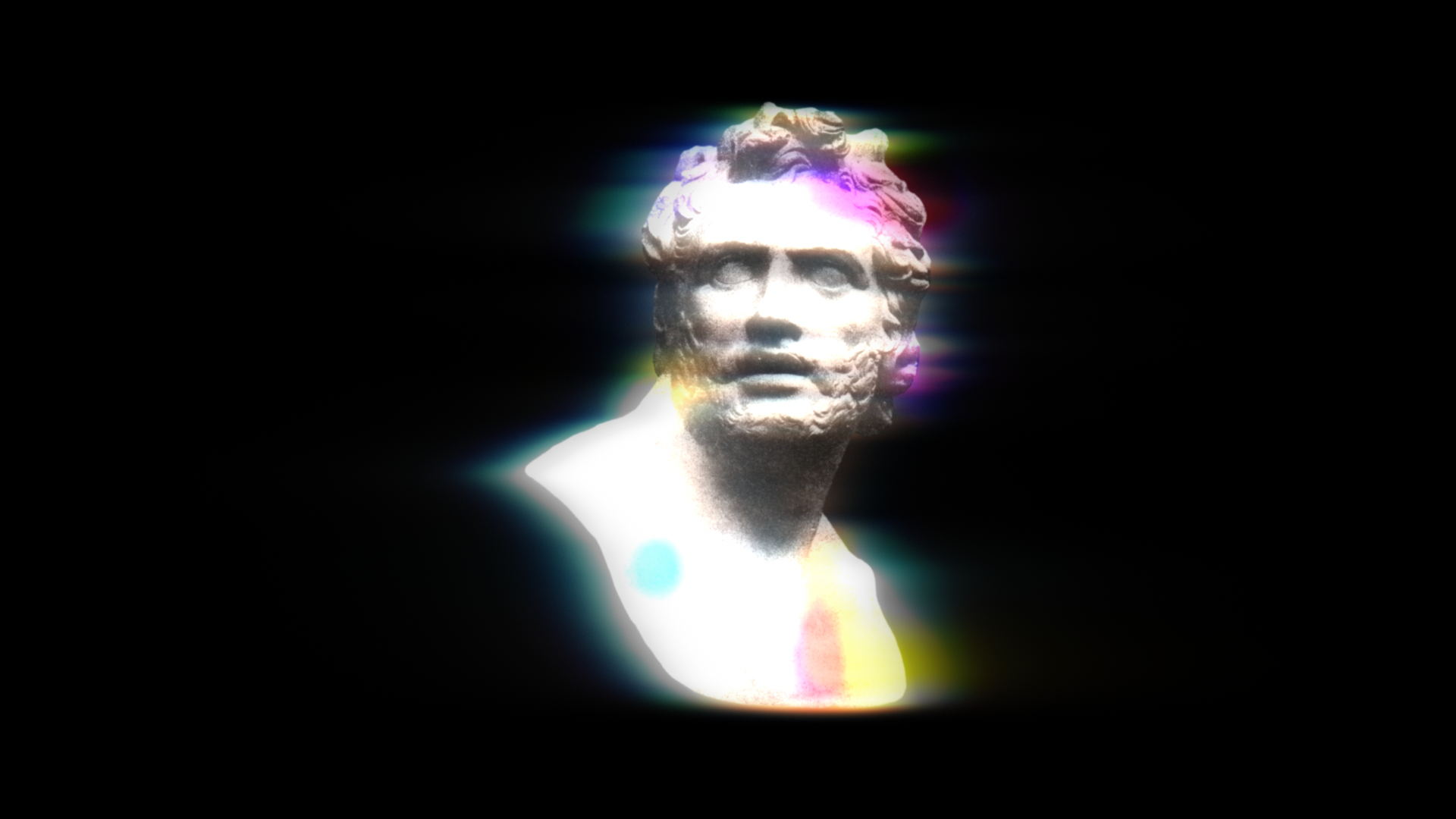
Color Shift
| Parameter | Description |
|---|---|
| Color Shift | RGB positional offset (px). R and B shift in opposite directions |
| Shift Mode | Directional = one-directional shift / Radial = channels scale in/out radially from a center (true lens fringing) |
| Shift Angle | Direction of the shift (Directional mode) |
| Shift Center | Center of the fringing (Radial mode) |
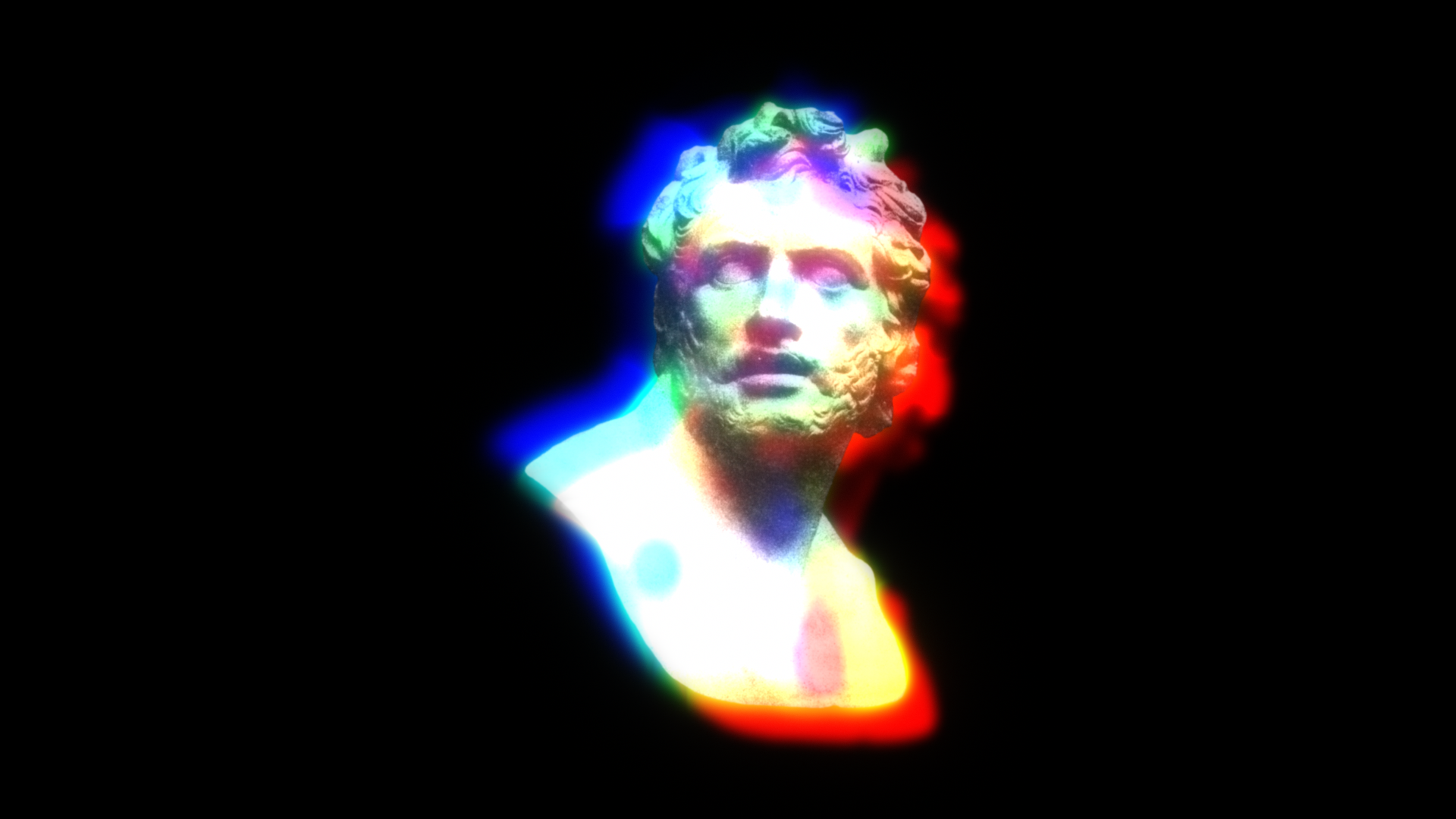
Smear (directional bleed)
| Parameter | Description |
|---|---|
| Smear Direction | Direction the bleed trails off |
| Smear Strength | Strength of the directional smear (0–300%). 100% trails twice the bleed radius, 300% up to six times. 0 gives an isotropic bleed |
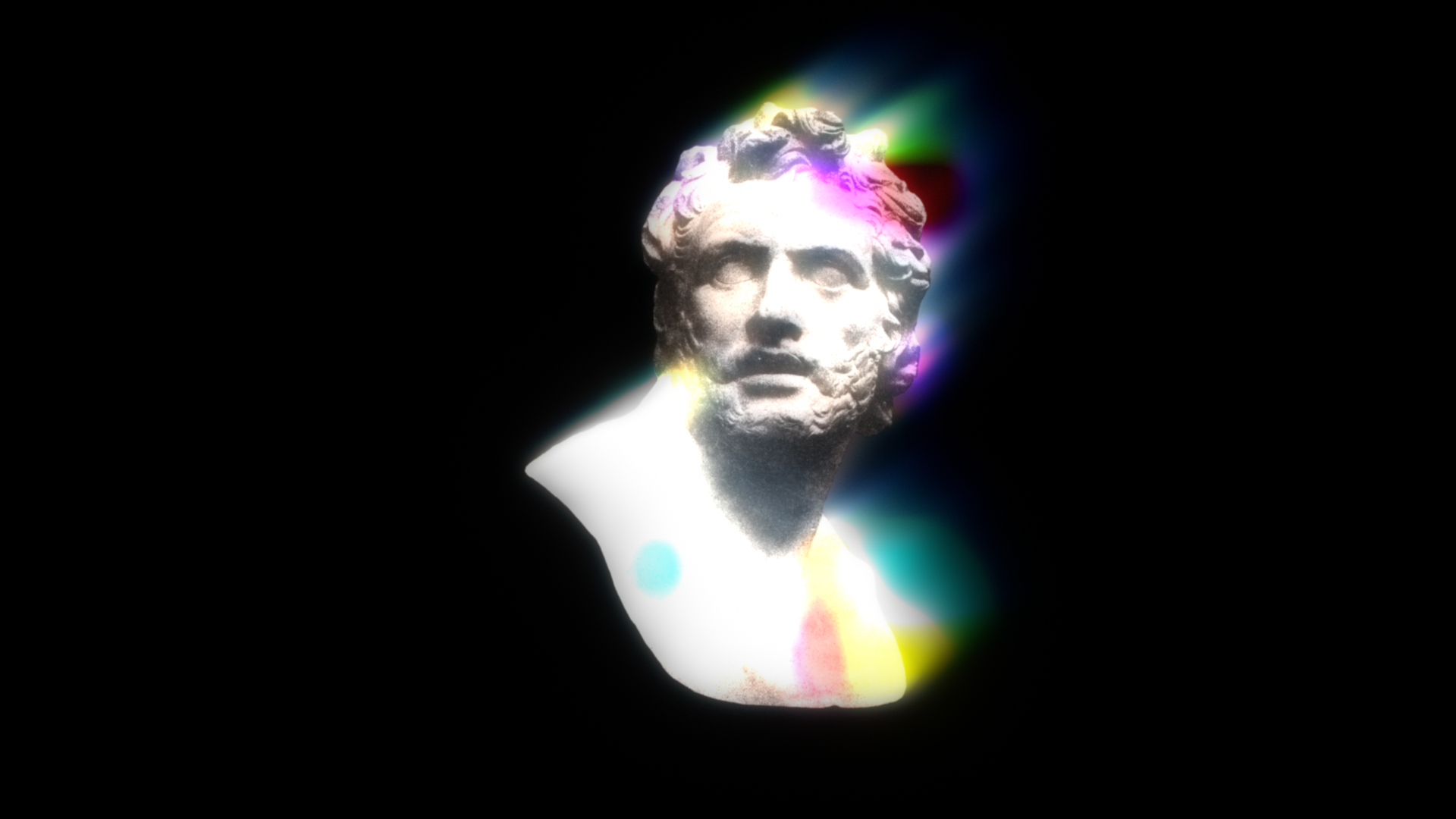
Source (original image)
| Parameter | Description |
|---|---|
| Source Opacity | Opacity of the source (the sharp core) |
| Source Softness | Blur on the remaining core (px). Combined with Variation, this acts as the maximum radius |
| Softness Variation | Modulates the blur spatially with turbulence noise. 0% = uniform, 100% = fully map-driven. Only parts of the letters defocus |
| Link Softness To Melt | ON shares the blur map with Melt's noise field (melts where it defocuses). OFF uses an independent map |