Turbulence
The group that controls the noise field driving melt, color patches and distortion, plus the animation over time.
Noise field
| Parameter | Description |
|---|---|
| Turbulence Scale | Size of the noise pattern (px). Match it to the text size |
| Noise Contrast | Contrast of the noise map used by Melt / Softness Variation / Dissolve (0–300%). Higher makes the mottling crisp and binary; lower makes it uniform |
| Noise Brightness | Brightness of that map (-100–100%). Positive increases melt / defocus / erosion overall; negative decreases them |
| Random Seed | Random seed. Completely changes where things melt and how color is placed |
Note
Noise Contrast / Brightness also apply when a Matte Layer is used (they are applied to the map after the matte is combined). Adjust the strength of the color patches with Color Boost in the Color group.
Distortion
| Parameter | Description |
|---|---|
| Distortion | Noise-based warp (px). The whole result ripples as if seen through melted glass, and the warped edges get color fringing |
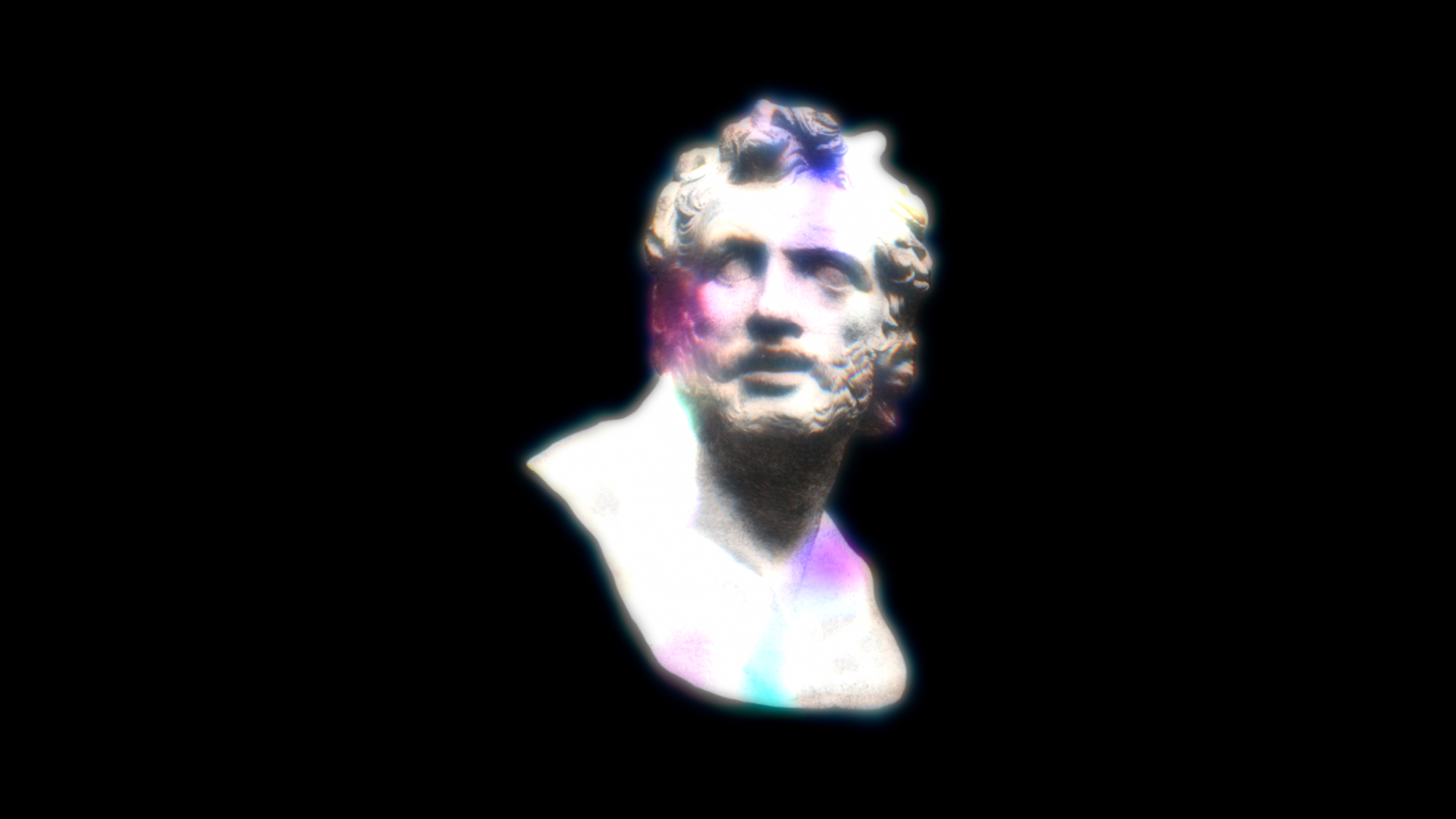
Animation
| Parameter | Description |
|---|---|
| Evolution | Noise phase. Keyframe it to make the melt, color and warp shift |
| Evolution Speed | Auto-animation speed (per second). A non-zero value keeps it shifting without keyframes |
| Flicker | The bleed and glow brightness flickers (like a neon tube). 0 disables |
| Flicker Speed | Flicker rate (per second) |
About the render cache
When both Evolution Speed and Flicker are 0, AE's frame cache stays valid (the frame is identical every time). Using either causes a re-render per frame.