Color
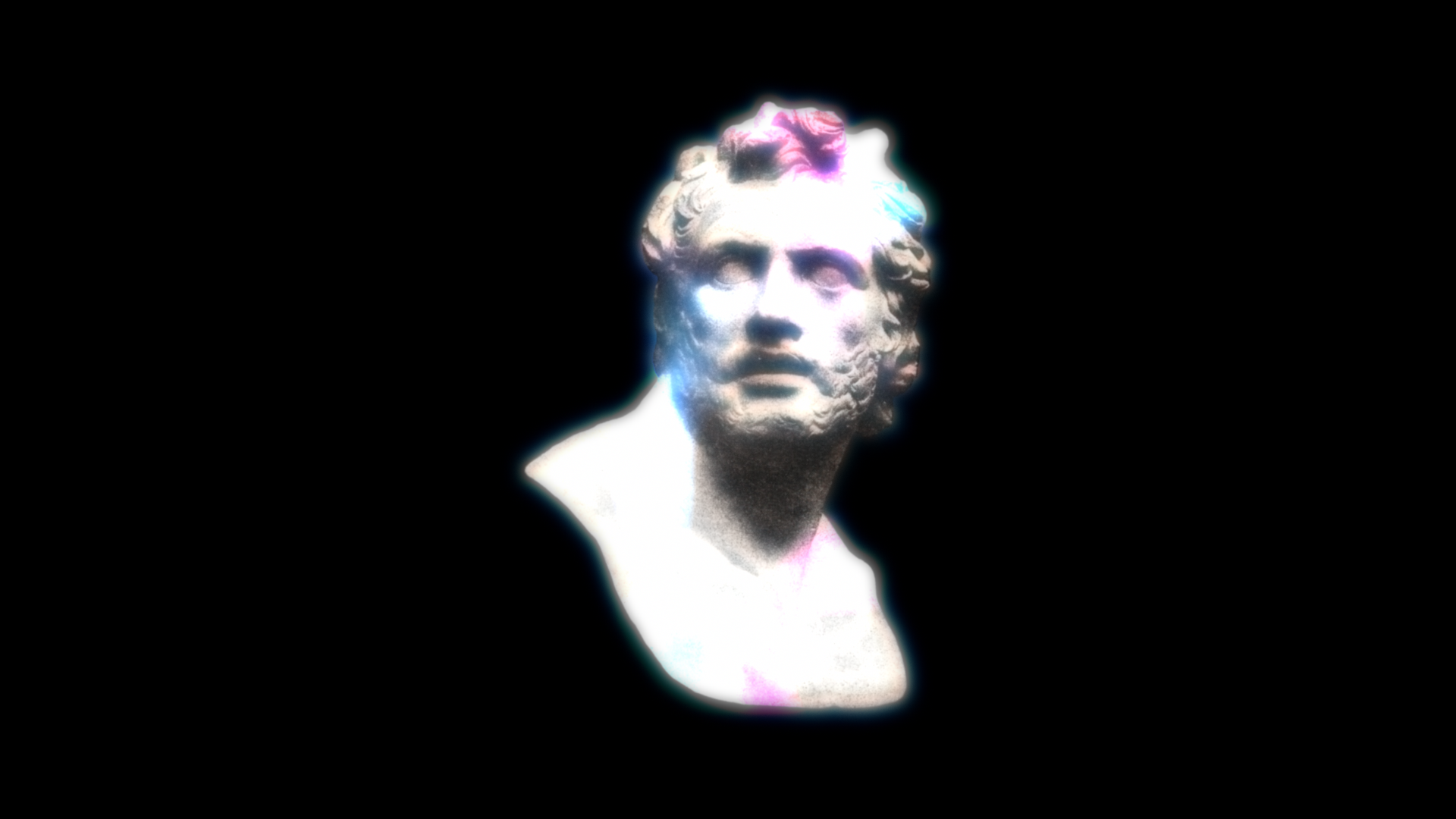
The group for the color patches (mottling) in the bleed cloud. A sparse saturation mask gates them, so color appears only on parts of the cloud rather than the whole thing. Tinted patches get slightly denser, looking like bleeding ink pigment.
| Parameter | Description |
|---|---|
| Color Variation | Strength of the color patches. 0% disables |
| Color Boost | Amplifies both the coverage and the saturation of the patches (0–300%). 100% is standard; higher makes the color wider and stronger |
| Tint Mode | Random RGB = random colors / Duotone = tint between the two colors below |
| Tint Color A / B | Patch colors in Duotone mode (default: pink × cyan) |
If the color looks weak
First raise Color Boost to 150–250%. Because it increases both the "area" and the "density" of the color at once, the effect is more obvious than raising Color Variation alone.