Glow
The group that gathers the thresholded glow and the film / lens light effects.
Basics
| Parameter | Description |
|---|---|
| Glow Intensity | Glow strength. 0 disables the glow |
| Glow Radius | Spread of the glow (px) |
| Glow Layers | Number of bloom layers (1–3). 3 gives a multi-stage glow of "hot core light + large faint halo" |
| Glow Threshold | Glow threshold. Only bright areas glow |
Color
| Parameter | Description |
|---|---|
| Glow Tint | Glow color (inner). White is neutral |
| Glow Tint Outer | Color of the outer bloom layer (default: warm orange) |
| Tint Gradient | Inner → outer color transition. 0% keeps Glow Tint for all layers; higher tints the faint outer halo toward the Outer color (incandescent core + warm halo, etc.) |
Halation
Reproduces film halation. A warm (orange–red) bleed is added along the edges of the highlights.
| Parameter | Description |
|---|---|
| Halation | Halation strength. Works on its own even with Glow Intensity at 0 |
Flare (anamorphic flare)
Adds a thin light streak that decays in both directions from the highlights — the horizontal streak characteristic of anamorphic lenses.
| Parameter | Description |
|---|---|
| Flare | Streak strength. Works on its own even with Glow Intensity at 0 |
| Flare Length | Length of one side of the streak (px) |
| Flare Angle | Streak direction (default: horizontal) |
| Flare Tint | Streak color (default: cool blue) |
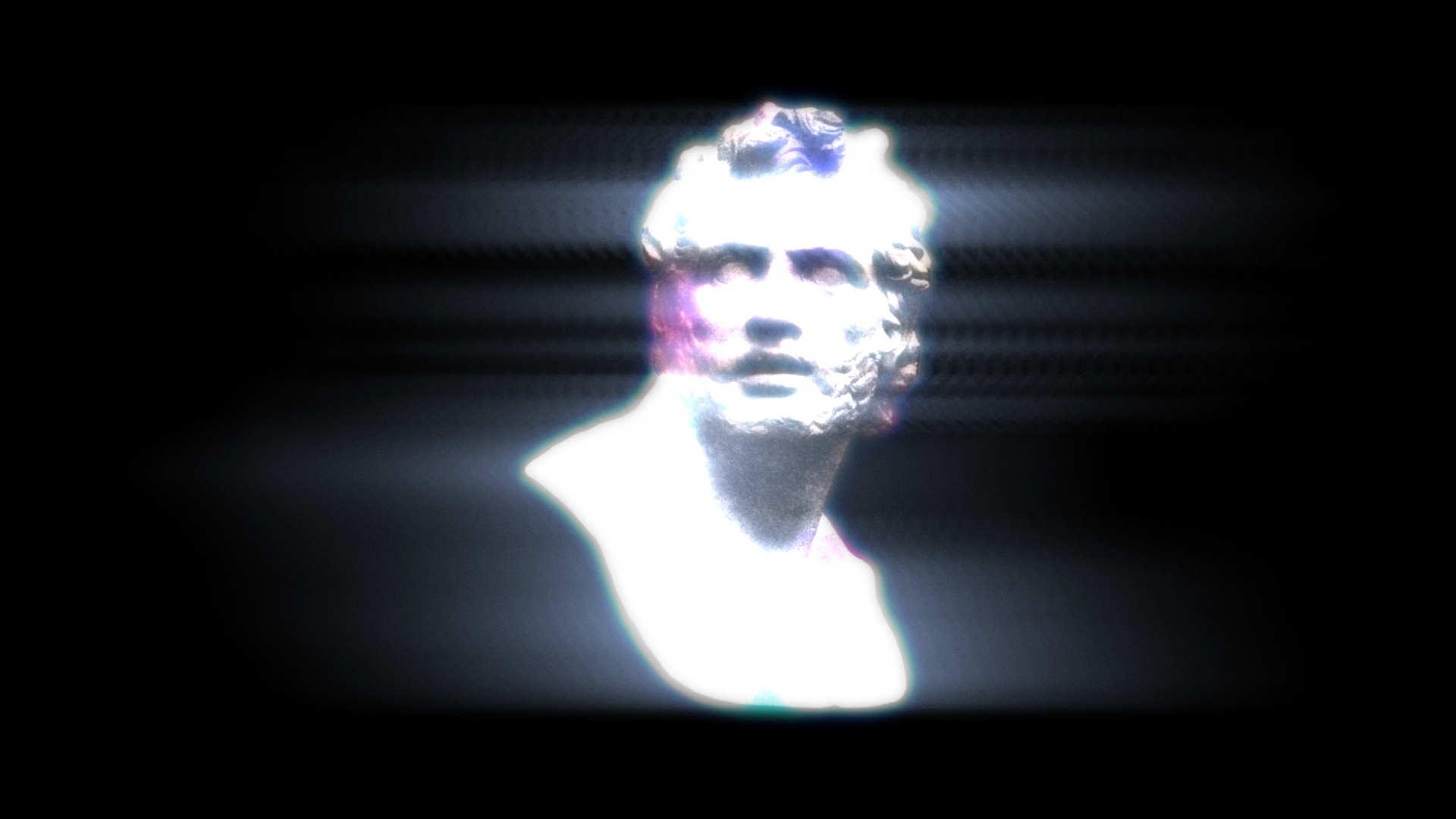
Combine with Linear Light
Turning on Linear Light at the bottom of the effect computes the glow layering in linear color space, making halation and flare look photographic. Recommended whenever you use the glow.