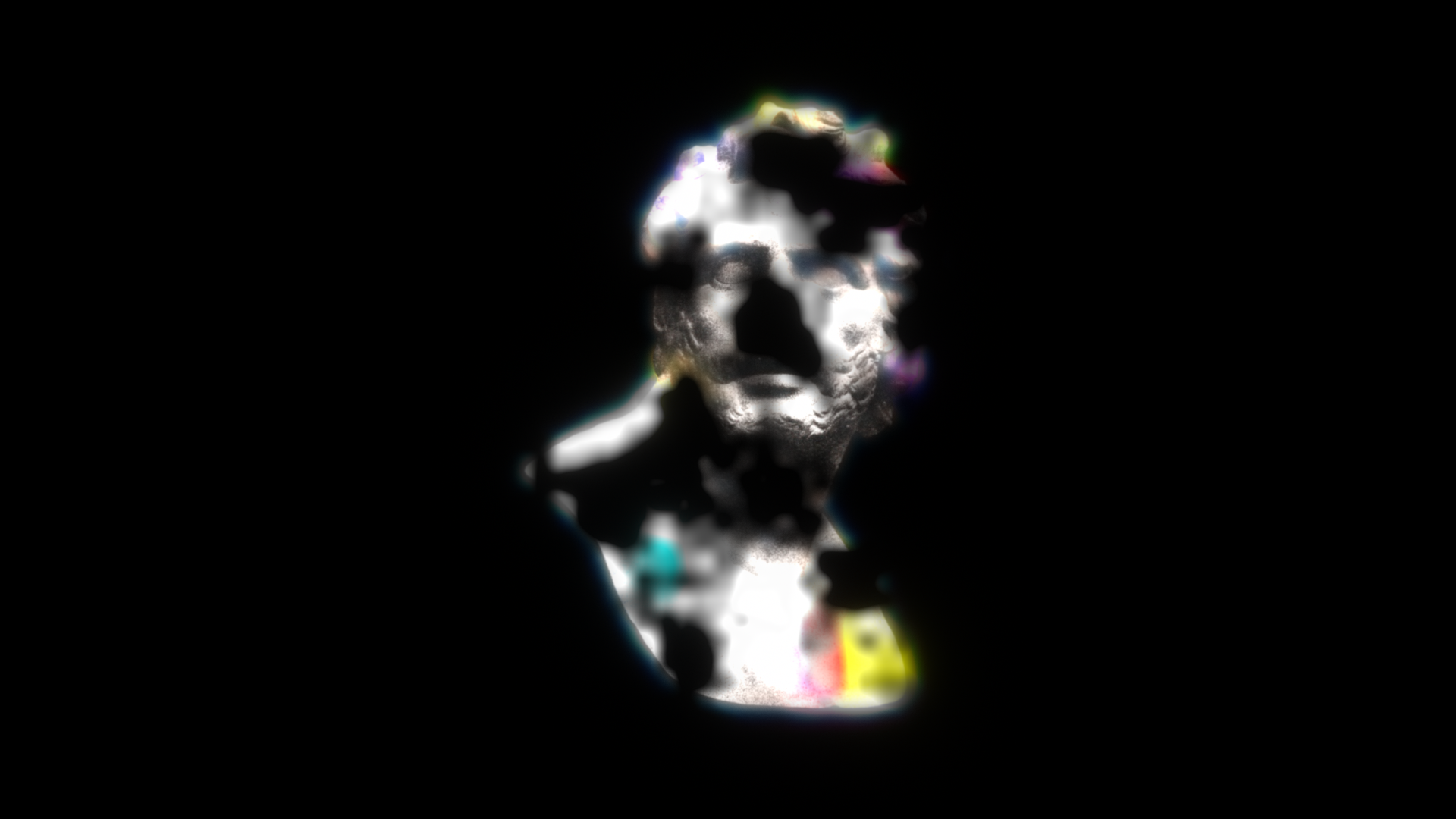
Melt & Matte
The core group of Overbleed, where the source unevenly "melts" and is replaced by the bleed. The more a spot melts, the denser the bleed cloud becomes there, as if the ink had moved.
Melt
| Parameter | Description |
|---|---|
| Melt Amount | How much melts. The more it melts, the denser the cloud |
| Melt Style | Smooth = a smooth melt / Halftone = melts as if the print breaks up into a 45° dot screen |
| Halftone Size | Dot spacing (px). Only active in Halftone mode |
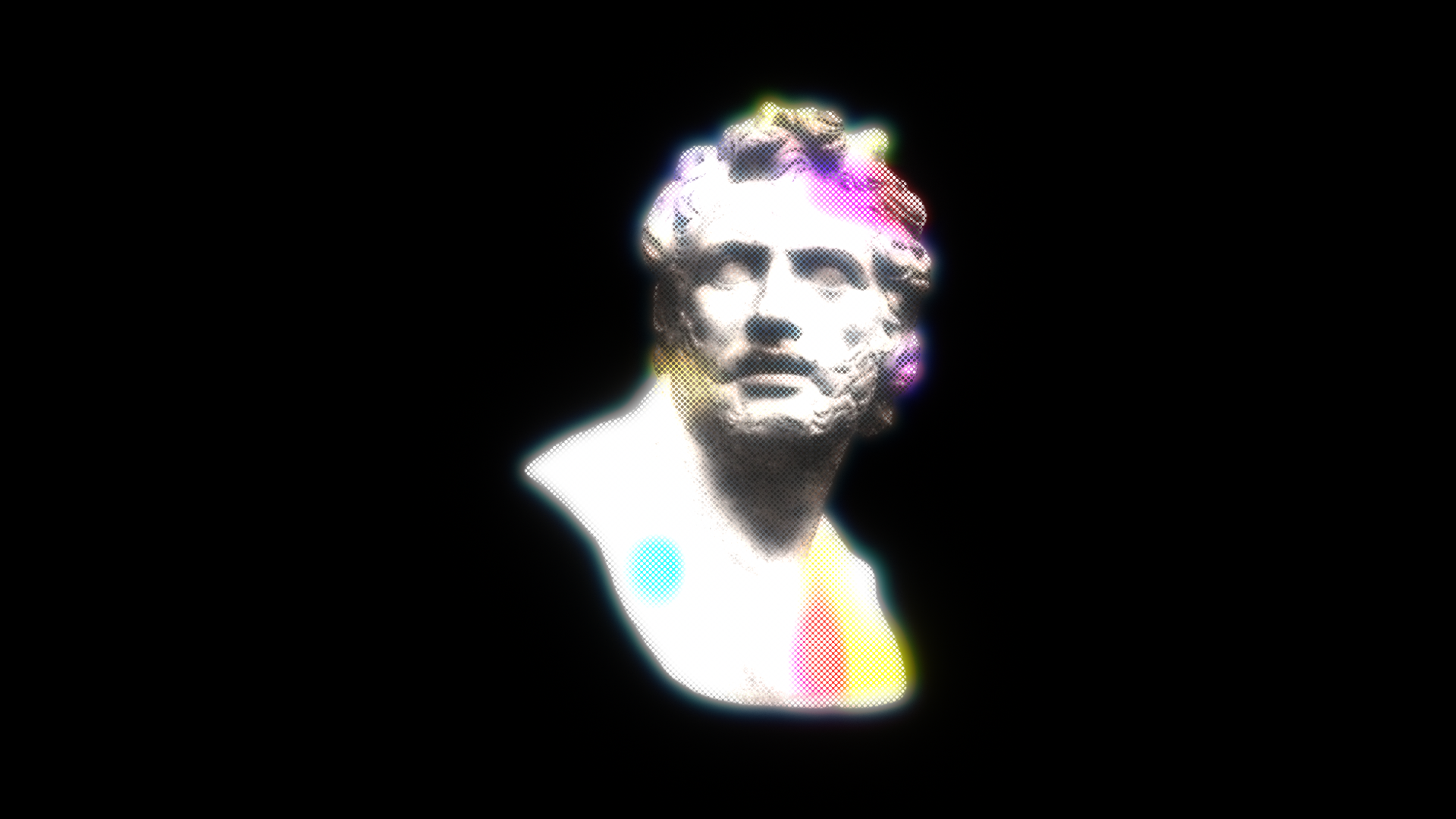
Matte (control the melt with an external layer)
Instead of leaving the melt to noise, you can drive it from another layer. The layer's luminance × alpha is used as the map.
| Parameter | Description |
|---|---|
| Matte Layer | Layer used as the map (aligned in layer coordinates) |
| Matte Mode | Off = built-in noise only / Replace = melts where the matte is white (instead of noise) / Multiply = built-in noise × matte (limits where it melts) |
Tip
Using a gradient, or a blurred copy of your text, as the matte lets you stage effects like "melting from the bottom" or "only certain letters melt." The matte also drives the Softness Variation and Dissolve maps at the same time.
Dissolve (erosion)
Driven by a noise map, parts of the result erode all the way to full transparency. It uses a sweeping threshold, so two keyframes produce a "dissolving away unevenly" animation. It clears highest-priority areas first, and cleared parts stop glowing too.
| Parameter | Description |
|---|---|
| Dissolve | Erosion amount. 0% = off, 100% = fully gone |